
Please Note: Do Not update the Job Pro Software (FileMaker Pro)
You should have two new icons on your desktop:
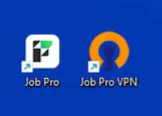
To connect to Job Pro, you must be connected to the VPN. Job Pro will not work unless you’re connected to the VPN.
To connect to the VPN, you can click on the Job Pro VPN icon. But, the VPN may already be running and in your system tray:

Simply right-click on the VPN icon, and pick connect:
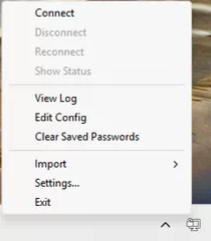
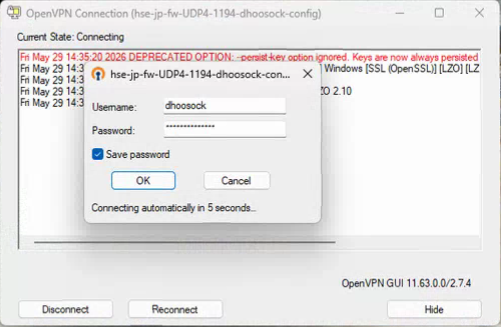
The password box will open up, and I’ve already entered and saved your password. You just need to click ok to connect:
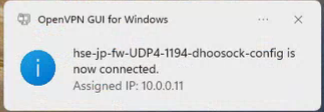
Once you connect, you’ll receive an notice:
And the VPN icon will turn green:

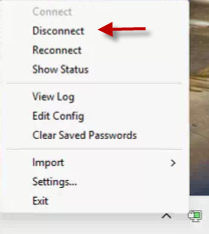
Once you are done using Job Pro, please disconnect the VPN by right-clicking on the VPN icon and picking disconnect:
From here, please go back and see the Job Pro Document.